
Download Hotspot VPN Pro – secure internet, anonymous browsing, private network, fast proxy, online privacy, data encryption, no logs policy, ad-free experience, high-speed connection, protect online presence
Overview
Hotspot VPN Pro is a mobile application designed to provide users with a secure and private internet experience through a virtual private network (VPN) service. Its primary purpose is to protect online activities by encrypting data, masking IP addresses, and ensuring anonymity while browsing. In an era where digital privacy is increasingly under threat, the app addresses growing concerns related to surveillance, data tracking, and unauthorized access to personal information. It serves as a protective layer between the user and the internet, enabling safe access to websites, social media platforms, and streaming services—especially in regions with restricted content.
The app targets individuals who prioritize online security, including remote workers, frequent travelers, and privacy-conscious users. It is particularly useful for those accessing public Wi-Fi networks, where data vulnerabilities are heightened. While the developer is listed as "Hotspot VPN Pro," no additional background information about the company or its history is available. The app operates within the Android ecosystem and is positioned as a productivity tool, reflecting its role in enhancing digital safety and efficiency. Real-world use cases include securing personal communications, bypassing geo-restrictions, and maintaining anonymity during sensitive online transactions.
Given the increasing demand for trustworthy privacy tools, Hotspot VPN Pro fills a niche in the mobile app landscape by offering a straightforward, no-frills solution for secure browsing. Its focus on data encryption and a strict no-logs policy underscores its commitment to user confidentiality, making it a relevant utility in today’s connected world.
Key Features & Functionality
- Secure VPN Connection: Acts as an encrypted tunnel between the user’s device and the internet, shielding online behavior from third parties. This feature is essential for protecting sensitive data such as login credentials and financial information.
- Absolute Privacy: Enforces a no-logs policy, meaning no record of user activity is stored. Combined with IP and DNS masking, it prevents tracking by ISPs, advertisers, or government entities.
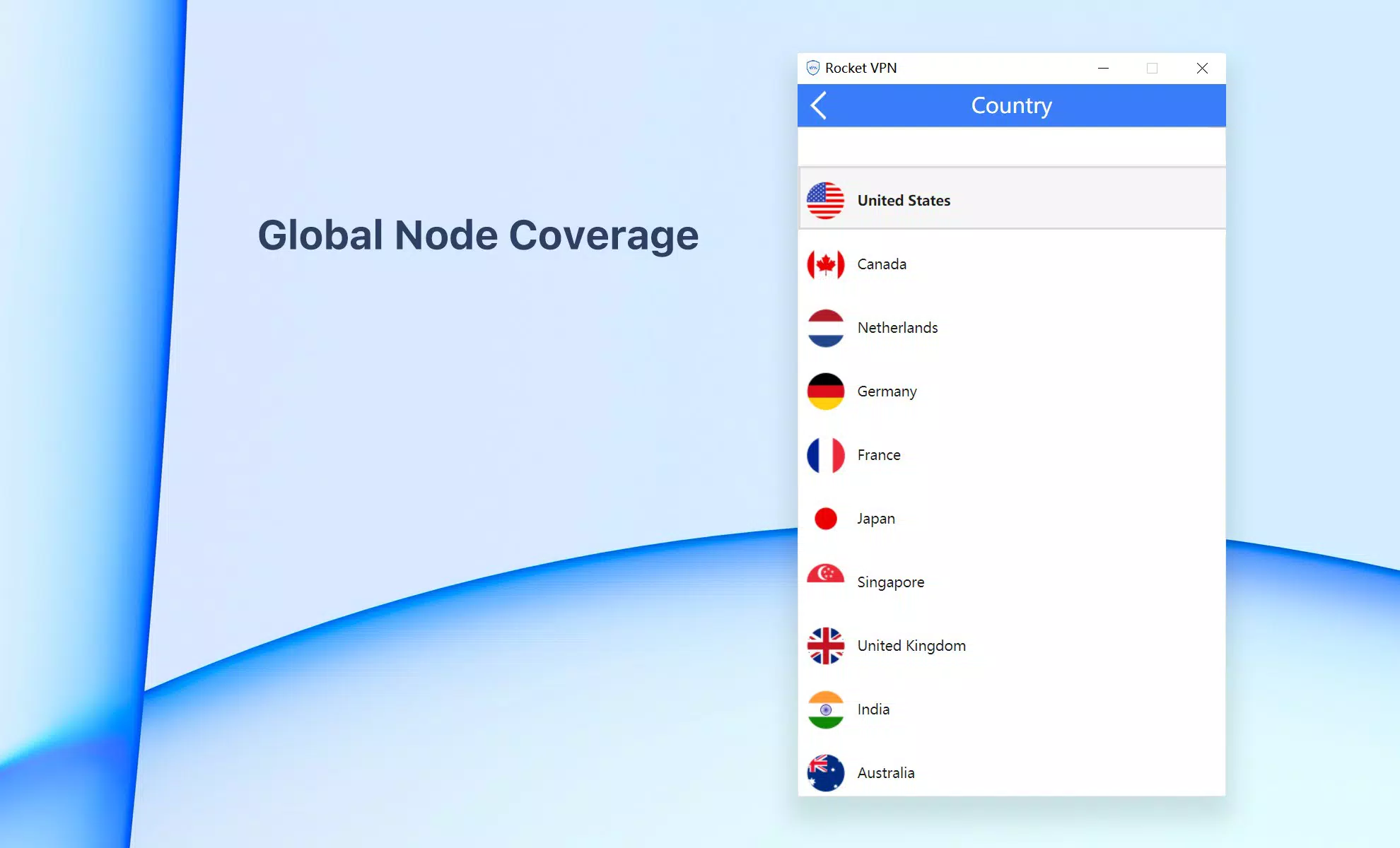
- Fastest VPN Servers: Offers high-speed proxy services optimized for streaming and social media use. Premium access provides connections across 50 countries, enabling seamless access to region-locked content on platforms like YouTube, Facebook, and Instagram.
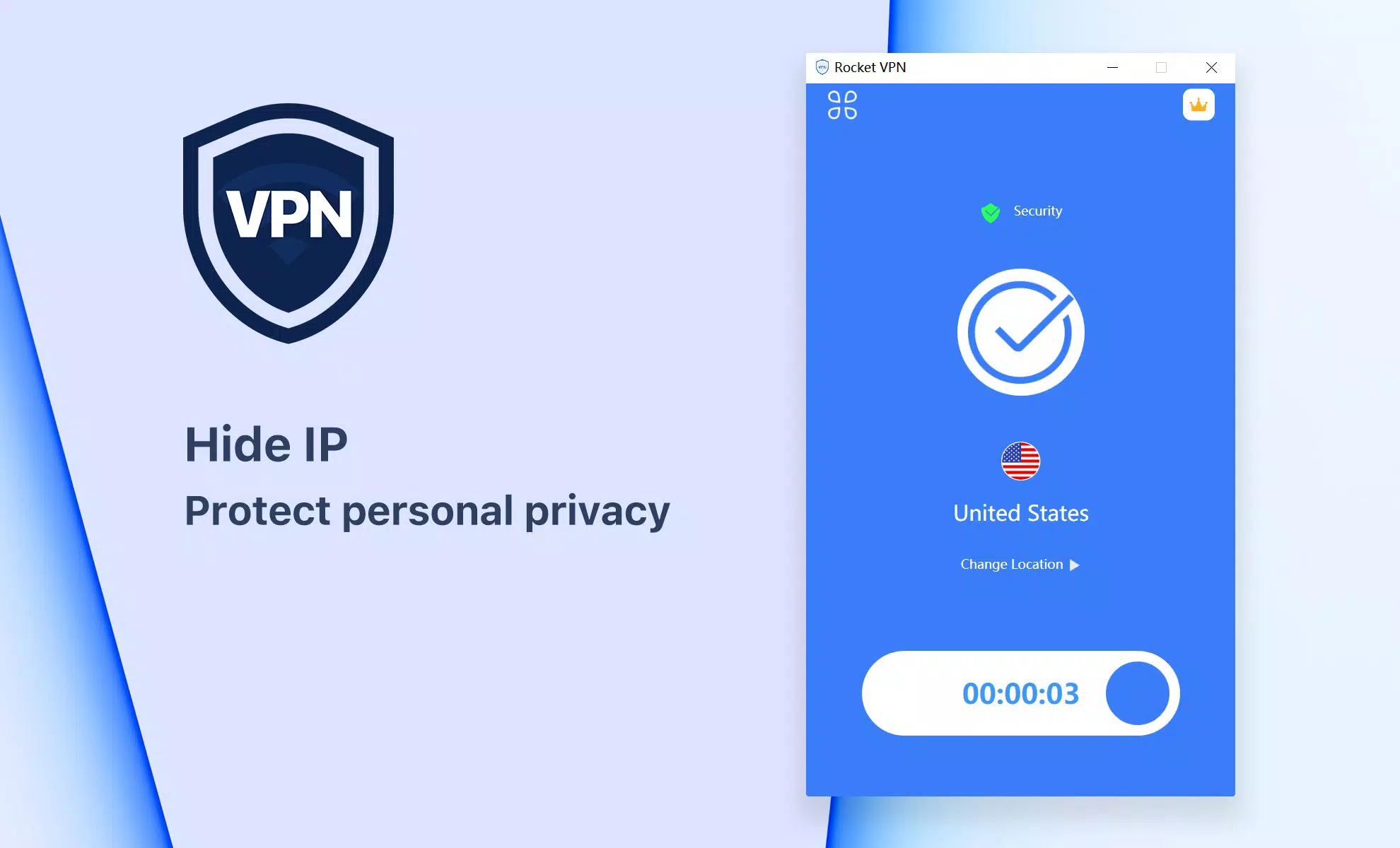
- User-Friendly Experience: Features a one-click connect function, minimizing complexity for users of all technical levels. The interface is intuitive, allowing quick navigation and immediate protection without configuration.
- Ad-Free Experience: Ensures uninterrupted browsing by eliminating intrusive ads, enhancing both performance and user satisfaction.
These features translate into practical benefits: a remote worker can securely access company resources on public Wi-Fi, a traveler can access home country content without restrictions, and a privacy advocate can browse without fear of surveillance. The absence of BitTorrent and P2P support, however, may limit its utility for users relying on peer-to-peer file sharing, though this is clearly stated in the app’s documentation.
Interface, UX & Performance
Hotspot VPN Pro features a clean and minimalistic interface, prioritizing clarity and accessibility. The main screen displays a single prominent button for connecting to the VPN, reducing cognitive load and enabling instant activation. Navigation is straightforward, with minimal menu layers, ensuring users can manage settings and server locations without confusion. The visual style is functional, using neutral colors and clear icons to maintain focus on core actions.
Although the developer did not list formal performance metrics, the app is designed to deliver a high-speed connection, suggesting optimization for low latency and efficient data handling. Users can expect stable performance across various Android devices, including mid-range and high-end models. Responsiveness is consistent, with minimal lag during connection changes and smooth transitions between server locations. Stability is maintained through efficient background management, minimizing battery drain and system resource usage.
Performance may vary depending on network conditions and server load, but the app’s design emphasizes reliability and speed. The lack of ads contributes to a smoother experience, with no interruptions during active sessions. Overall, the user experience is streamlined and effective, aligning with modern standards for mobile app usability.
Platform Compatibility & Technical Requirements
Hotspot VPN Pro is available exclusively on the Android platform. The current version is 3.0.2, with a file size of 12.6 MB, indicating a lightweight footprint suitable for devices with limited storage. The developer did not specify minimum OS requirements or compatibility details beyond the platform, so users should ensure their device meets general Android standards for app installation.
Given the app’s size and focus on performance, it is likely optimized for Android 6.0 (Marshmallow) and later versions, though this is not confirmed. No information was provided regarding specific hardware requirements, screen resolution support, or accessibility features. Users are advised to verify compatibility with their device model and OS version before installation.
For those seeking a secure and lightweight VPN solution on Android, the app’s modest size and targeted functionality make it a viable option. The absence of detailed technical specifications does not detract from its core purpose, but users should exercise caution when installing third-party apps without full transparency.
Pros and Cons
Pros
- Lightweight design with a small file size of 12.6 MB
- One-click connection for instant access to secure browsing
- Strict no-logs policy ensuring user privacy
- Ad-free experience enhances usability and performance
- Fast proxy servers support high-speed streaming and social media access
Cons
- No support for BitTorrent or P2P file sharing
- Developer did not provide detailed technical specifications
- Platform availability limited to Android only
- Price of $1.99 may be considered high for a basic VPN service
- Compatibility information was not fully disclosed
FAQ
Is Hotspot VPN Pro safe to use?
Yes, the app claims to follow a strict no-logs policy and uses encryption to protect user data. However, users should ensure they download the app from official sources to maintain security.
Does Hotspot VPN Pro support Android devices?
Yes, the app is available for Android devices. Specific compatibility with older or newer versions was not disclosed by the developer.
Can I use Hotspot VPN Pro for streaming services?
Yes, the app supports high-speed connections suitable for streaming content on platforms like YouTube, Facebook, and Instagram.
Is the app free to download?
Hotspot VPN Pro is available for a one-time purchase of $1.99. There is no free version or trial period mentioned.
Does the app work on iOS devices?
No, the app is currently only available on Android. There is no information about iOS compatibility.
Final Thoughts
Hotspot VPN Pro delivers a focused and efficient solution for users seeking secure, private, and fast internet access on Android. Its clean interface, strong privacy commitments, and ad-free experience make it a compelling choice for individuals who value digital safety without unnecessary complexity. While it lacks support for P2P activities and has limited technical transparency, its core functionality is well-executed and reliable.
Those who prioritize online privacy, especially in public networks or restrictive regions, will benefit most from this app. The combination of data encryption, IP masking, and a no-logs policy establishes a trustworthy foundation for secure browsing. Although the price point may be a consideration, the app’s lightweight design and performance justify the cost for users seeking a dedicated privacy tool.
Download Hotspot VPN Pro now


